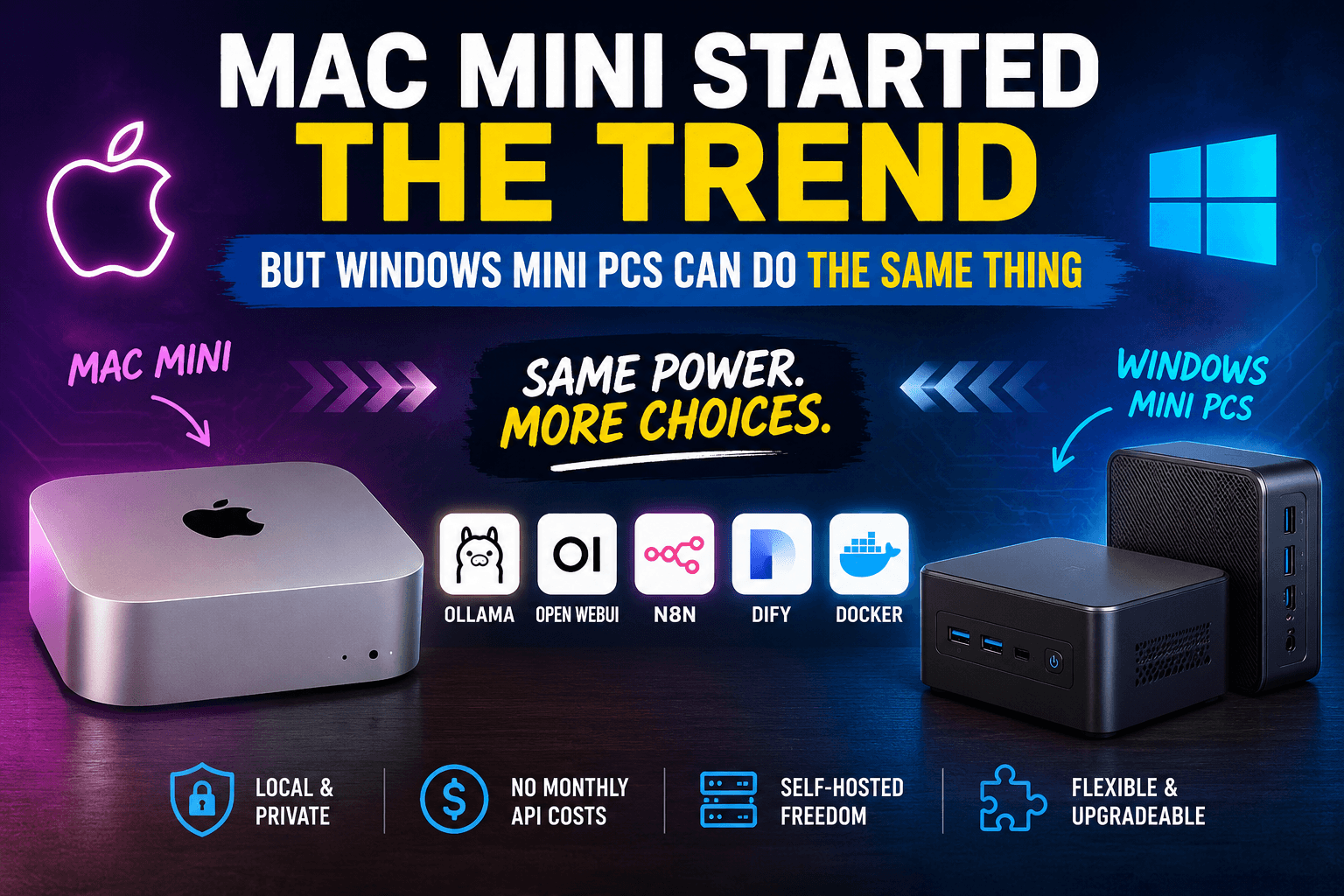
The Mac Mini helped make personal AI servers feel accessible: compact hardware, low noise, efficient power use, and enough performance for useful local workloads. But the real trend is broader than one device or operating system.
Modern Windows and Linux mini PCs can also become capable self-hosted AI servers when the hardware matches the workload.
The Myth: AI Servers Need a Mac Mini
A Mac Mini is a strong option for local AI because Apple Silicon combines CPU, GPU, and unified memory in an efficient package. It is appealing when you want a quiet machine that can stay online for long periods.
That does not make it the only sensible choice. A well-selected Windows or Linux mini PC can run the same practical stack: Ollama, Open WebUI, Docker, and automation tools such as n8n.
Start With the Workload, Not the Brand
Local AI performance depends on more than processor marketing. Before buying a mini PC, decide whether you want to run a private chat assistant, document search with retrieval-augmented generation (RAG), background automation, multiple Docker services, or several users at the same time.
Model Size and Quantization
A quantized 7B or 8B parameter model is easier to run locally than a larger model. Quantization reduces memory usage, usually with a trade-off in precision.
Memory Capacity
RAM is often the first practical limit. The model, context window, operating system, and supporting services all compete for memory.
Acceleration Path
CPU-only inference works for lightweight use, but supported GPUs can improve performance. NPU support varies by runtime and should not be the only reason to choose a device.
Thermals and Power
An always-on server needs stable cooling and sensible power consumption. Sustained performance matters more than a short benchmark result.
What a Local AI Mini Server Actually Does
A mini PC is not a replacement for a multi-GPU workstation. Its strength is running useful, private, always-on workloads with a small physical footprint:
- Running small and medium quantized language models for private chat
- Hosting Open WebUI as a browser-based interface for local models
- Connecting documents to a lightweight RAG workflow
- Automating repetitive tasks with n8n and API integrations
- Running Docker containers for internal tools and supporting services
- Testing self-hosted AI applications before scaling heavier workloads
Architecture Comparison
| Area | Mac Mini | Windows or Linux Mini PC |
|---|---|---|
| Processor | Apple Silicon ARM-based system on a chip | Intel Core, Intel Core Ultra, AMD Ryzen, or Ryzen AI |
| Memory | Fast unified memory configured at purchase | Often upgradeable SO-DIMM RAM, depending on the model |
| Acceleration | Apple GPU with Metal support | CPU, integrated GPU, supported dedicated GPU, or NPU |
| Storage | Limited upgrade path after purchase | NVMe storage is frequently replaceable or expandable |
| Software | macOS, Ollama, Docker, Open WebUI, and automation tools | Linux or Windows with WSL, Ollama, Docker, and Open WebUI |
| Best Fit | Quiet and efficient setup with minimal maintenance | Flexible self-hosted setup with more upgrade options |
How Much RAM Do You Actually Need?
Actual requirements vary with model size, quantization level, context window, operating system, and the number of simultaneous services.
| Workload | Memory Target | Typical Use |
|---|---|---|
| Small 3B to 8B quantized models | 16GB as a practical starting point | Private chat, basic automation, and experimentation |
| Medium 8B to 14B quantized models | 32GB recommended | RAG workflows, multiple containers, and more headroom |
| Larger models or multiple active users | 64GB or more, or a GPU workstation | Higher concurrency and heavier inference workloads |
The Software Stack
Ollama
Ollama makes it easier to download and run supported local models on macOS, Windows, and Linux.
Docker
Docker packages supporting services into containers, making upgrades, dependencies, and backups easier to manage.
Open WebUI
Open WebUI provides a browser-based chat interface when multiple devices need access to one private AI server.
n8n and Dify
n8n helps orchestrate workflows, while Dify supports AI application and knowledge-base experiments.
When a Mac Mini Makes Sense
Choose a Mac Mini when you value low noise, power efficiency, build quality, and a polished setup with fewer hardware decisions. It is a compelling fit for a desk-friendly private assistant or a compact local development server.
When a Windows or Linux Mini PC Makes More Sense
Choose a Windows or Linux mini PC when you want upgradeable RAM, replaceable NVMe storage, more processor choices, or a traditional Linux server environment. This path is attractive when you expect your homelab to evolve over time.
Recommended Buying Checklist
- RAM: Start with 16GB; consider 32GB or more for RAG and multiple containers.
- Storage: Choose an NVMe SSD with room for models, logs, and backups.
- Processor: Prefer a recent Apple Silicon, Intel Core, or AMD Ryzen processor.
- Acceleration: Verify runtime support before paying extra for GPU or NPU features.
- Network: Gigabit Ethernet is a sensible baseline for an always-on server.
- Cooling: Prioritize stable sustained performance.
Final Thoughts
The Mac Mini helped make the personal AI server trend more visible, but the movement is bigger than one computer. Compact machines can now host private models, useful automation, and self-hosted tools without requiring a server rack.
The best choice is the machine that fits your model size, memory requirements, software stack, budget, and willingness to maintain the system.